Create Songs With Your Voice – Download the Best AI Song Maker App
Artificial Intelligence is changing the way people create music. You no longer need an expensive recording studio, professional instruments, or advanced music-production skills to experiment with your own songs. With an AI Song Maker App, you can turn lyrics, ideas, melodies, and in some cases your own recorded voice into creative music directly from your smartphone.
Whether you want to create a birthday song, romantic track, rap, motivational music, social-media background song, or simply experiment with your voice, an AI music generator app can make the process much easier.
In this guide, we explain how AI song maker apps work, what features to look for, how to create songs using your voice, and what you should check before downloading an app.
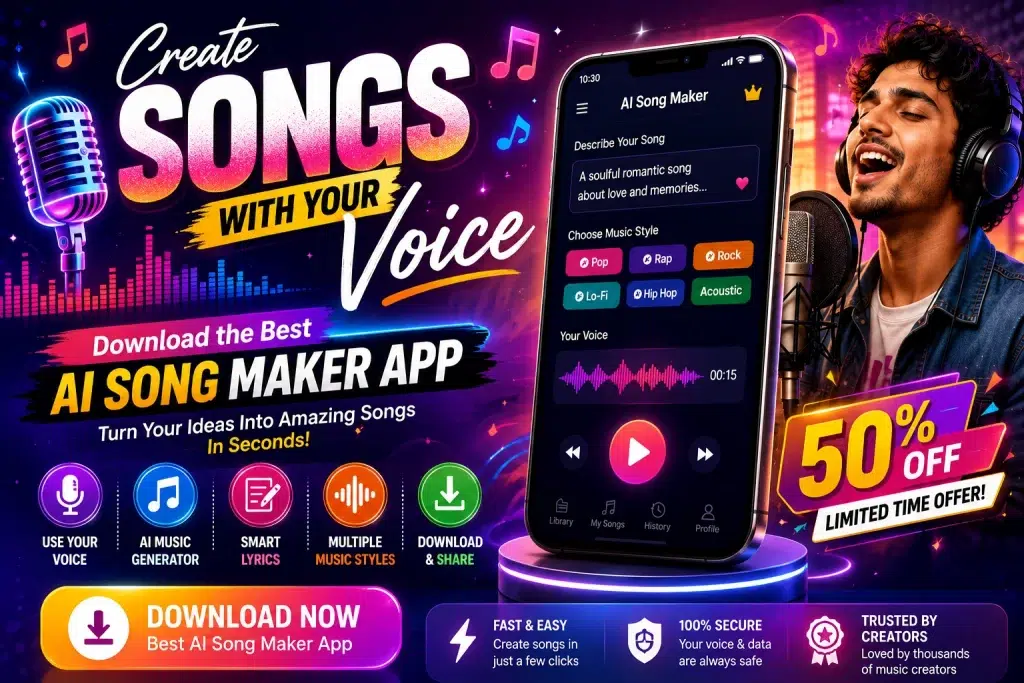
Important: Features differ between apps. Some apps generate complete songs from text, while others offer voice recording, AI vocals, voice transformation, lyrics generation, or music-generation tools. Always check the specific app’s features, pricing, and licensing terms before using generated music commercially.
What Is an AI Song Maker App?
An AI Song Maker App is a music-creation tool that uses artificial intelligence to help users generate or edit music.
Depending on the application, you may be able to enter lyrics, describe the type of music you want, choose a genre, record your voice, select a vocal style, and let AI create a song based on those instructions.
For example, you might enter a prompt such as:
“Create an energetic pop song about friendship with upbeat music.”
The AI can then use your instructions to produce musical output based on the features supported by the service.
Some tools focus mainly on AI-generated music, while others concentrate on vocals, lyrics, beats, or audio editing.
Create Songs With Your Own Voice
One of the most interesting developments in AI music is voice-based song creation.
Instead of relying entirely on generic AI vocals, some tools let you record or upload permitted voice samples and use those recordings as part of the creative process.
The exact workflow depends on the app.
A typical process might involve:
- Recording or uploading your voice.
- Adding your own lyrics or generating lyrics with AI.
- Selecting a music genre or style.
- Choosing the mood and tempo.
- Generating the track.
- Previewing the result.
- Editing or regenerating it.
- Exporting or sharing the final audio where supported.
For best results, record your voice in a quiet environment and avoid background noise.
AI Song Maker App – Quick Overview
| Feature | What It Can Help You Do |
|---|---|
| AI Music Generation | Create music from prompts or ideas |
| Voice Input | Use a recorded voice where supported |
| AI Lyrics | Generate lyrics from a topic |
| Genre Selection | Choose pop, rock, rap, electronic and more |
| Mood Selection | Create happy, romantic, energetic or calm music |
| Beat Generation | Produce instrumental beats |
| Vocal Tools | Generate or modify vocals where available |
| Song Preview | Listen before saving the final version |
| Export Options | Save supported audio formats |
| Sharing | Share creations on supported platforms |
Why Are AI Song Maker Apps Becoming Popular?
Traditional music production can involve songwriting, recording, arranging, mixing, mastering, and learning complicated software.
AI tools simplify parts of this process.
A beginner can start with an idea rather than technical production knowledge. You might write only a few lines describing the song you want and let AI help develop the concept.
This makes AI music tools particularly interesting for content creators, singers, students, musicians, video editors, and people who simply enjoy experimenting with music.
AI doesn’t necessarily replace musical creativity. Instead, it can work as another creative tool for developing ideas faster.
Best Features to Look for in an AI Song Maker App
Before downloading an AI music app, compare its features carefully.
1. Voice-Based Music Creation
If your main goal is to create songs with your voice, check whether the app genuinely supports voice recording or authorized voice uploads.
The phrase “AI voice” can mean different things across apps. It may refer to synthetic vocals rather than your personal recorded voice.
Read the feature description before subscribing.
2. Text-to-Music Generation
Text-to-music is one of the easiest AI music features to use.
You describe your desired track using text, such as:
“Upbeat electronic dance song with energetic vocals and a festival atmosphere.”
A detailed description usually gives the system more information about your creative intention.
3. AI Lyrics Generator
Don’t know what to write?
An integrated AI lyrics generator can help develop lyrics based on a topic, mood, story, or genre.
You can use generated lyrics as inspiration and then rewrite them to make the song more personal.
4. Multiple Music Genres
A good song maker should ideally provide multiple musical styles.
Depending on the platform, options may include pop, hip-hop, rap, rock, electronic, acoustic, cinematic, classical-inspired, or other genres.
Genre availability varies by service.
5. Customization Options
Look for controls that let you customize the result.
Useful controls may include:
- Genre
- Mood
- Tempo
- Instruments
- Vocal type
- Song structure
- Lyrics
- Track duration
More customization generally gives you greater creative control.
How to Create an AI Song With Your Voice
The interface will differ from app to app, but the basic process is often simple.
Step 1: Choose an AI Music App
Download a reputable AI music application from its official source or trusted app store.
Check reviews, developer information, privacy details, pricing, and supported features before installing it.
Step 2: Create a New Song
Open the app and look for an option such as Create Song, Generate Music, New Track, or AI Music.
Step 3: Add Your Lyrics or Idea
Write your own lyrics or provide a description of the song.
For example:
“Create a happy birthday song for my best friend with upbeat pop music.”
Clear instructions can help the AI better understand the result you want.
Step 4: Add Your Voice
If the app supports personal voice input, record your voice using the microphone or upload a recording that you have permission to use.
Use a clean recording without music playing in the background whenever possible.
Step 5: Select the Music Style
Choose the genre, mood, tempo, or other available options.
For example:
Genre: Pop
Mood: Happy
Tempo: Upbeat
Theme: Friendship
Step 6: Generate the Song
Tap the app’s generation button.
AI processing time varies depending on the service, song length, server demand, and complexity of the request.
Step 7: Preview and Edit
Listen carefully to the generated result.
If you don’t like it, change the prompt, lyrics, genre, or settings and generate another version.
Step 8: Save or Share
Once you’re satisfied, use the available export or sharing options.
Some apps restrict downloads, audio quality, or commercial use based on your subscription plan.
What Types of Songs Can You Create?
AI song makers can be useful for many creative projects.
You could experiment with:
Birthday Songs: Create personalized birthday music with a person’s name or custom message.
Romantic Songs: Turn a personal message into a romantic musical concept.
Rap Songs: Write rap lyrics and experiment with different beats.
Social Media Music: Create original-style background tracks for short-form content, subject to the platform’s licensing rules.
Motivational Songs: Generate energetic music for inspirational content.
Video Background Music: Produce music ideas for videos, presentations, intros, and creative projects.
Fun Personal Songs: Turn jokes, stories, memories, or everyday situations into songs.
Benefits of Using an AI Song Maker
The biggest benefit is accessibility.
You don’t necessarily need years of production experience to begin experimenting with music.
AI can also help you generate ideas quickly. If you’re stuck on lyrics or musical direction, a generator can provide a starting point.
Another advantage is experimentation. You can try several genres and moods without recording an entire song from scratch each time.
For content creators, AI music tools may also speed up the process of developing background music concepts.
However, generated music should still be reviewed carefully before publication.
Free vs Paid AI Song Maker Apps
Many AI music services offer some form of limited free access, credits, trial generation, or paid subscription.
| Free/Limited Access | Paid Plans |
|---|---|
| Limited generations may apply | More generations may be available |
| Basic features | Advanced features |
| Export restrictions may apply | More export options |
| Limited track length possible | Longer tracks may be supported |
| Usage rights may be restricted | Different licensing may be offered |
| Ads or watermarks may appear | Often fewer restrictions |
Never assume that “free to create” means “free for commercial use.”
Read the licensing terms before using AI-generated songs in monetized videos, advertising, client projects, streaming releases, or other commercial content.
Important Voice and Copyright Considerations
AI voice technology should be used responsibly.
Use your own voice or a voice you have clear permission to use. Avoid cloning or imitating another person’s identifiable voice without authorization.
Copyright and licensing also matter.
An AI platform may have specific rules covering generated tracks, uploaded lyrics, samples, commercial usage, attribution, and ownership. These terms can vary between services and subscription tiers.
If you’re creating music for commercial use, check the platform’s current license before publishing.
Tips for Better AI-Generated SongsGood prompts can make a major difference.
Instead of writing:
“Make a song.”
Try something more descriptive:
“Create an upbeat pop song about achieving your dreams, with energetic drums, modern synths, a catchy chorus, and an uplifting mood.”
Also experiment with different versions.
The first generation may not always be the best one. Change the mood, genre, lyrics, tempo, or prompt and compare the results.
Keep your vocal recordings clear and use original lyrics when you want the finished song to feel more personal.
Frequently Asked Questions (FAQ)
1. What is the best AI song maker app?
There is no single best app for everyone. The right choice depends on whether you need text-to-music, your own voice, AI vocals, lyrics generation, instrumental music, or commercial licensing.
2. Can I create a song using my own voice?
Some AI music tools support recording or uploading your own voice, while others only generate synthetic vocals. Check the app’s current features before downloading.
3. Can AI create a complete song?
Yes, some AI platforms can generate music containing multiple song elements from a text prompt. The exact capabilities and quality vary between services.
4. Do I need to know music production?
Not necessarily. Many AI song generators are designed so beginners can start with simple prompts, lyrics, or style selections.
5. Are AI song maker apps free?
Some offer free generations, trials, or limited credits. Advanced features, additional generations, downloads, or commercial rights may require payment.
6. Can I make birthday songs with AI?
Yes. Personalized birthday songs are a common use case. You can provide names, themes, messages, and preferred musical styles where supported.
7. Can I create rap music with an AI song maker?
Many AI music generators support rap or hip-hop-inspired styles. You can provide your own lyrics or use AI to help draft them.
8. Can I use an AI-generated song on YouTube?
Potentially, but you should first review the AI platform’s licensing terms and YouTube’s applicable policies. Commercial and monetized use rights can vary.
9. Can I use another person’s voice?
Only use another person’s voice when you have appropriate permission and the platform permits that use. Using someone’s identifiable voice without consent can create legal and ethical problems.
10. Can I download AI-generated songs?
Many services provide export or download options, but availability, audio formats, quality, and restrictions depend on the app and plan.
Final Words
An AI Song Maker App can make music creation much more accessible. From writing lyrics and experimenting with beats to generating complete musical ideas and incorporating your own voice where supported, these tools provide beginners and creators with new ways to turn ideas into audio.
If your goal is to create songs with your voice, look specifically for an app that supports authorized voice recording or uploads rather than assuming every AI music generator includes that feature.
Choose a trusted service, create or add your lyrics, select your preferred genre and mood, record your voice if supported, and experiment with multiple generations until you find a result you like.
Most importantly, check the app’s privacy policy, voice-use rules, copyright terms, and commercial licensing conditions before publishing or monetizing your creation.
With the right AI music tool and a little creativity, an idea that starts as a few words or a simple voice recording can become a complete musical project.