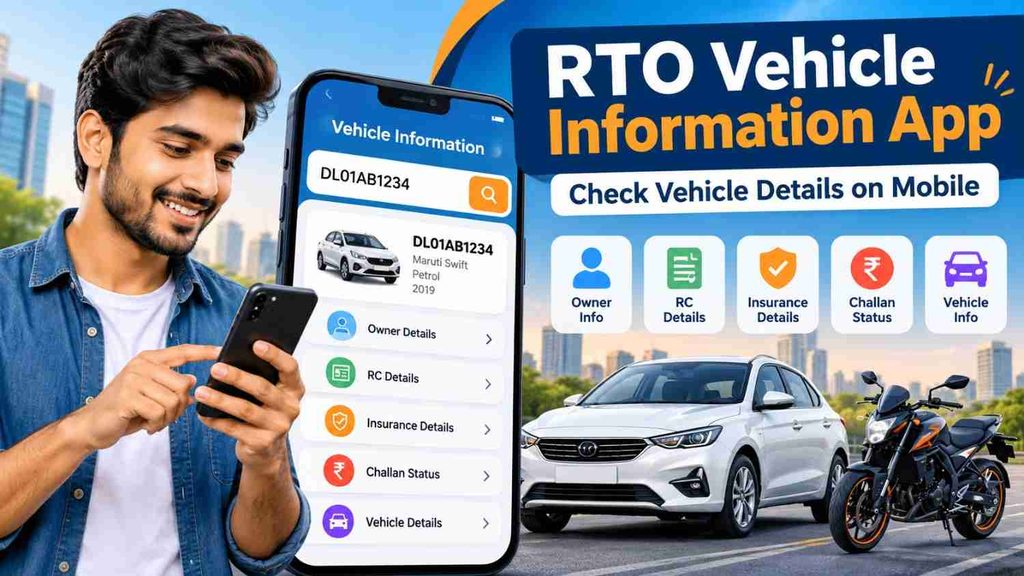
RTO Vehicle Information App – Check Vehicle Details on Mobile
Checking vehicle information has become much easier with mobile-based RTO and vehicle information services. Instead of visiting an RTO office for basic information, users can now check important vehicle details directly from their smartphone using an RTO Vehicle Information App or official online vehicle services.
Whether you are buying a used car, checking your own bike registration, verifying insurance validity, or looking for RC information, a vehicle information app can help you access useful details within minutes. All you generally need is the vehicle registration number.
Official platforms such as NextGen mParivahan provide access to transport-related services connected with systems such as VAHAN, Sarathi and eChallan.
What Is an RTO Vehicle Information App?
An RTO Vehicle Information App is a mobile-based service that allows users to search for available registration and transport-related information about a vehicle.
The vehicle registration number acts as the main search reference. For example, a registration number such as WB XX AB XXXX, MH XX XX XXXX, or DL XX XX XXXX can be entered into the relevant vehicle information service to find available records.
Depending on the vehicle, state and service being used, information may include:
- Vehicle registration status
- Registration date
- Vehicle class
- Fuel type
- Make and model information
- RC validity
- Insurance validity
- Fitness validity
- Permit details where applicable
- Tax-related information where available
- Pollution certificate information
- Challan information through relevant services
The Ministry of Road Transport and Highways has previously stated that mParivahan can provide vehicle-related information such as registration certificate, fitness, insurance and permit validity using the registration number.
RTO Vehicle Information App – Key Details
| Feature | What You May Check |
|---|---|
| Vehicle Registration | Registration number and status |
| RC Information | Registration certificate details |
| Vehicle Type | Car, bike, commercial vehicle, etc. |
| Fuel Type | Petrol, diesel, CNG, electric, etc. |
| Insurance | Available insurance validity information |
| Fitness | Fitness validity where applicable |
| Permit | Permit information for applicable vehicles |
| Challan | Pending traffic challan through eChallan services |
| Tax Details | Available road tax information |
| PUC | Pollution certificate-related details where available |
The exact information displayed can vary depending on the state, vehicle category and availability of records in the connected database.
How to Check Vehicle Details on Mobile
Checking vehicle details from a smartphone is generally simple.
Step 1: Open a Reliable Vehicle Information Service
Use an official or trusted RTO vehicle information service. For government-linked vehicle services, users can access options available through Parivahan and NextGen mParivahan.
Step 2: Enter the Vehicle Number
Enter the complete vehicle registration number carefully.
For example:
WB12AB1234
Make sure there are no typing errors because an incorrect number may return information for another vehicle or no result at all.
Step 3: Complete Verification if Required
Some services may require login, OTP verification, CAPTCHA or another authentication process before displaying detailed information.
Step 4: Check Available Vehicle Information
Once the number has been verified, available vehicle information may appear on the screen.
Review important information such as registration status, vehicle class, insurance validity and fitness validity.
Step 5: Verify Important Information Separately
If you are checking a vehicle before making a purchase, do not rely on one screen alone. Compare the available information with the original RC, insurance policy, PUC certificate and other vehicle documents.
Why Check Vehicle Details Before Buying a Used Vehicle?
Vehicle information checking becomes especially useful when purchasing a second-hand car or bike.
A used vehicle may appear to be in excellent condition, but document-related problems can cause difficulties later.
Before paying for a used vehicle, check important details such as:
Registration Status
Confirm that the vehicle registration is valid and the registration number matches the vehicle being offered.
RC Details
Compare available registration information with the physical or digital RC provided by the seller.
Insurance Status
Check whether the vehicle currently has valid insurance. If the policy has expired, the buyer may need to arrange insurance immediately.
Pending Challans
A vehicle may have pending traffic challans. Official eChallan services allow searches using details such as a vehicle number, challan number or driving licence number.
Fitness and Permit
These details are particularly important for commercial and transport vehicles.
PUC Status
A valid Pollution Under Control certificate may also be required depending on applicable rules.
Benefits of Using an RTO Vehicle Information App
One of the biggest advantages of mobile vehicle information services is convenience.
Instead of visiting different offices for basic checks, many details can be reviewed from a phone.
Quick Vehicle Verification
A registration number can help you verify important information before buying or dealing with a vehicle.
Useful for Used Car and Bike Buyers
Vehicle information can help buyers compare the seller’s claims with available registration records.
Insurance Reminder
Checking insurance validity can help owners identify whether their policy requires renewal.
RC Information
Vehicle owners can quickly review available registration information whenever required.
Challan Checking
Vehicle owners can separately check whether traffic challans are pending and review relevant payment information through official services.
Better Document Management
Keeping track of RC, insurance, PUC and other vehicle documents can reduce last-minute problems during renewal, sale or verification.
RTO Vehicle Information App for Car Owners
Car owners can use vehicle information services to keep track of important documents.
Before a long journey or insurance renewal, checking available vehicle details may help identify an expired or soon-to-expire document.
It is also useful when selling a car because the owner can review registration information before starting the ownership transfer process.
RTO Vehicle Information App for Bike Owners
The same concept applies to motorcycles and scooters.
Bike owners can check available registration, RC, insurance and challan-related information using their vehicle number.
This can be particularly useful when purchasing a second-hand motorcycle because buyers can compare the number plate and vehicle documents before completing payment.
How to Check Vehicle Challan Status
Vehicle challan checking should preferably be done through an official eChallan service.
Generally, users can search using information such as:
- Vehicle registration number
- Challan number
- Driving licence number
After entering the required details and completing verification, available challan information can be displayed.
Be careful with unknown websites or messages claiming that you must immediately pay a traffic fine. The official eChallan portal warns users about fraudulent websites and apps impersonating official services and advises users not to share passwords, OTPs or sensitive payment details through suspicious calls, emails or links.
Important Safety Tips When Checking Vehicle Details
Vehicle information is useful, but users should also protect their personal and financial information.
Avoid entering OTPs, banking passwords or card details on unknown websites.
Always double-check the website or app before making a challan or vehicle-related payment.
Do not install random APK files claiming to provide premium RTO information.
When purchasing a used car or bike, online information should be treated as one part of the verification process. Inspect the original documents, chassis details and vehicle condition before completing payment.
Vehicle Details Not Showing? Try These Solutions
Sometimes an RTO Vehicle Information App may not immediately display the expected information.
Possible reasons include:
- Incorrect registration number
- Temporary server problem
- Records not yet updated
- State-level data availability
- Old registration records
- Internet connectivity problems
- Incorrect login or verification details
Try checking the registration number again, wait for the service to become available, or use the relevant official vehicle service.
Frequently Asked Questions
1. Can I check vehicle details using a mobile number?
The easiest method is generally to search using the vehicle registration number. Additional verification may be required depending on the service.
2. What information can an RTO Vehicle Information App show?
Depending on data availability, it may show registration details, vehicle class, fuel type, RC status, insurance validity, fitness, permit and other transport-related information.
3. Can I check RC details online?
Yes. Vehicle-related services can provide access to available RC and registration information. Some detailed services may require authentication.
4. Can I check vehicle insurance details using the registration number?
Available insurance validity information may be linked with vehicle records. However, for complete policy coverage, exclusions and add-ons, always check the actual insurance policy document.
5. Can I check pending challans from my phone?
Yes. Official eChallan services allow users to search for available challan information using details such as vehicle number, challan number or driving licence number.
6. Is an RTO Vehicle Information App useful before buying a second-hand vehicle?
Yes. It can help you check important registration-related information before purchasing a used car or bike. However, you should also verify original documents and physically inspect the vehicle.
7. Can I find vehicle details only from the number plate?
The registration number shown on the number plate can be used to search for available vehicle information. The amount of information displayed depends on the service and applicable privacy restrictions.
8. What should I check before buying a used car?
Check the RC, registration status, insurance validity, PUC, pending challans, ownership documents, chassis number and overall vehicle condition before making payment.
9. Why are my vehicle details not showing?
The reason may be an incorrect registration number, outdated records, server issues or limited availability of certain data. Try again after confirming the number.
10. Is it safe to pay a vehicle challan online?
Online payment can be convenient when you use an official or trusted payment service. Avoid suspicious links and never share OTPs, passwords or banking credentials with unknown callers or websites.
Conclusion
An RTO Vehicle Information App makes it convenient to check important vehicle details directly from a mobile phone. With a registration number, users can review available information related to RC, registration, insurance, fitness, permit and other vehicle records.
These services are useful for existing vehicle owners as well as people planning to buy a used car or bike. Checking vehicle details before payment can help identify document-related issues and make the buying process more informed.
For important transactions such as used vehicle purchases, insurance renewal, challan payment or ownership transfer, always cross-check the information with official records and original documents.