Karnataka Property & Land Records – Check RTC, Survey Number, Pahani & Mutation Details
Karnataka Property & Land Records contain important information connected with land parcels, recorded holders and other property-related details. Digital land-record services can make it easier for users to understand available RTC, Pahani, survey number and mutation information without beginning every basic search with a physical visit to a land office.
Landowners, buyers and other interested users may need these records when checking property information or comparing details with existing documents. However, online information should always be reviewed carefully, particularly before a purchase, sale, transfer, loan or other legal transaction involving land.
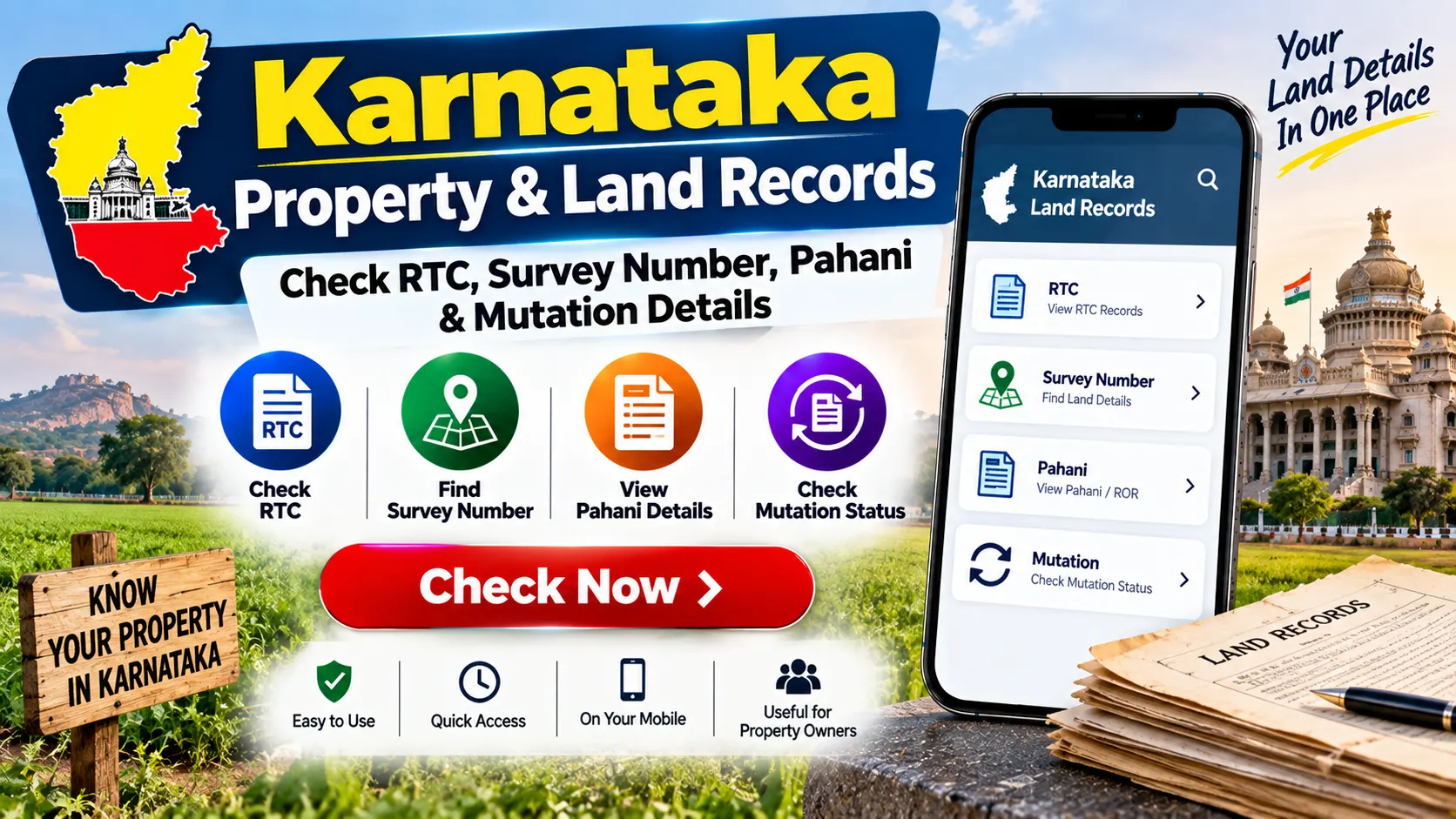
What Are Karnataka Land Records?
Karnataka land records generally refer to records maintained in connection with land parcels and the information associated with them. Depending on the type of record and location, users may encounter terms such as RTC, Pahani, survey number, mutation and other land-related particulars.
Digital access can help users locate basic information more conveniently. To obtain accurate results, users should keep the correct district, taluk, hobli, village and land-identification details ready where applicable.
ಕರ್ನಾಟಕ ಭೂ ದಾಖಲೆಗಳ ವಿವರಗಳನ್ನು ಪರಿಶೀಲಿಸಿ
RTC, ಸರ್ವೆ ನಂಬರ್, ಪಹಣಿ ಮತ್ತು ಆಸ್ತಿ ವಿವರಗಳನ್ನು ಹೇಗೆ ಪರಿಶೀಲಿಸಬಹುದು ಎಂಬುದನ್ನು ತಿಳಿದುಕೊಳ್ಳಿ.
ಭೂ ದಾಖಲೆಗಳನ್ನು ಪರಿಶೀಲಿಸಿWhat Is RTC in Karnataka?
RTC commonly refers to the Record of Rights, Tenancy and Crops. It is an important land-related record that may contain various particulars associated with a parcel of agricultural land and its recorded information.
Depending on the record, users may find information connected with the land, recorded holder, survey details, area and other entries. The exact information available should be checked against the current record.
Users should avoid assuming that a single online RTC entry alone resolves every question concerning legal title or ownership. Important transactions require appropriate verification of all relevant property documents.
What Is Pahani?
The term Pahani is commonly associated with RTC or land-record information in Karnataka. People often search for RTC/Pahani when they want to review available details relating to a particular land parcel.
When checking a Pahani or RTC, make sure the location, survey number and other identifying information correspond to the property you intend to search.
RTC ಮತ್ತು ಪಹಣಿ ವಿವರಗಳನ್ನು ನೋಡಲು ಬಯಸುವಿರಾ?
RTC ಮತ್ತು ಪಹಣಿ ಪರಿಶೀಲಿಸುವ ಮೊದಲು ಅಗತ್ಯವಿರುವ ಪ್ರಮುಖ ಭೂ ದಾಖಲೆಗಳ ಮಾಹಿತಿಯನ್ನು ತಿಳಿದುಕೊಳ್ಳಿ.
RTC ಮತ್ತು ಪಹಣಿ ಪರಿಶೀಲಿಸಿWhat Is a Survey Number?
A survey number is an important identification reference used for a particular land parcel or surveyed area. It can help distinguish one parcel from another within the applicable location and land-record framework.
Because land records depend on location as well as identification numbers, entering only a survey number without confirming the correct village or administrative area can lead to an unrelated result.
Before starting an online search, compare the survey number with your available property documents and confirm that the location information is correct.
Information You May Need for a Land Record Search
The exact search fields can vary according to the service being used. Keeping basic property details ready can make the process easier.
- District name
- Taluk name
- Hobli details where applicable
- Village name
- Survey number
- Sub-division or related number where applicable
- Owner or recorded-holder information where relevant
- Other property details requested by the service
ಸರ್ವೆ ನಂಬರ್ ಮತ್ತು ಆಸ್ತಿ ವಿವರಗಳನ್ನು ಪರಿಶೀಲಿಸಿ
ನಿಮ್ಮ ಭೂ ದಾಖಲೆಗಳನ್ನು ಪರಿಶೀಲಿಸುವ ಮೊದಲು ಸರಿಯಾದ ಸ್ಥಳ ಮತ್ತು ಸರ್ವೆ ನಂಬರ್ ಮಾಹಿತಿಯನ್ನು ಸಿದ್ಧವಾಗಿಟ್ಟುಕೊಳ್ಳಿ.
ಆಸ್ತಿ ವಿವರಗಳನ್ನು ನೋಡಿKarnataka Property & Land Records – Quick Overview
| Land Record Term | General Information |
|---|---|
| RTC | Record of Rights, Tenancy and Crops |
| Pahani | Commonly associated with RTC and land-record information |
| Survey Number | Helps identify a particular surveyed land parcel |
| Village Details | Help identify the correct geographical location of the land |
| Mutation | Relates to applicable changes or updates in land records |
| Owner Details | May show recorded-holder information depending on the record |
| Verification | Important records should be verified before legal transactions |
How to Check Karnataka Land Records Online – Step-by-Step Guide
The design and options of an online land-record service may change, but the general search process usually requires users to identify the correct location and property information.
- Keep your available property documents ready.
- Confirm the district where the land is located.
- Identify the correct taluk.
- Check the hobli information where required.
- Confirm the correct village name.
- Keep the survey number and related details ready.
- Open the applicable Karnataka land-record service.
- Select the required land-record or RTC search option.
- Enter or select the correct location information.
- Enter the survey number or other requested land details.
- Complete any verification field shown on the page.
- Submit the search request.
- Review the RTC, Pahani or other available information.
- Compare the displayed details with your existing documents.
If the online record does not match your property documents, avoid making assumptions. Check the latest record and contact the appropriate authority where clarification or correction is required.
ಕರ್ನಾಟಕ ಭೂ ದಾಖಲೆಗಳನ್ನು ಪರಿಶೀಲಿಸುವ ಸಂಪೂರ್ಣ ಮಾರ್ಗದರ್ಶಿ
RTC, ಪಹಣಿ, ಸರ್ವೆ ನಂಬರ್ ಮತ್ತು ಭೂಮಿಯ ವಿವರಗಳನ್ನು ಪರಿಶೀಲಿಸುವ ಹಂತ ಹಂತದ ವಿಧಾನವನ್ನು ತಿಳಿದುಕೊಳ್ಳಿ.
ಹಂತ ಹಂತದ ಮಾರ್ಗದರ್ಶಿ ನೋಡಿHow to Check RTC or Pahani Details
When an RTC or Pahani search option is available, users generally need to select the correct location before entering the applicable survey details.
After the record appears, check the survey number, area, location and other available entries carefully. Compare the displayed information with the documents already available to you.
If you require a record for an official or legal purpose, check whether a certified or officially issued version is required rather than relying only on an online display or screenshot.
How to Check Land by Survey Number
Survey-number searches can be useful when the correct number is already available. Begin by selecting the correct district, taluk and village, followed by the survey number and any additional details requested.
Always verify that the result corresponds to the correct property before using the information for further reference.
ಸರ್ವೆ ನಂಬರ್ ಮೂಲಕ ಭೂಮಿಯ ವಿವರಗಳನ್ನು ಹುಡುಕಿ
ಸ್ಥಳ ಮತ್ತು ಸರ್ವೆ ನಂಬರ್ ಮಾಹಿತಿಯನ್ನು ಬಳಸಿಕೊಂಡು ಸಂಬಂಧಿತ ಭೂ ದಾಖಲೆಗಳನ್ನು ಹೇಗೆ ಹುಡುಕುವುದು ಎಂಬುದನ್ನು ತಿಳಿದುಕೊಳ್ಳಿ.
ಸರ್ವೆ ವಿವರಗಳನ್ನು ಪರಿಶೀಲಿಸಿWhat Are Mutation Details?
Mutation generally refers to the process of updating applicable land records following an eligible change connected with a property. Such changes may arise from a sale, inheritance, partition, gift or another recognised transaction, depending on the applicable rules.
The documents, verification and procedure required for mutation can depend on the nature of the transaction and current requirements. Users should check the applicable process rather than assuming that mutation happens automatically after every transaction.
Why Check Mutation Status?
Checking mutation information can help users understand whether the relevant land record reflects an applicable change. This can be particularly important after a property transaction or other event requiring an update to the land record.
Mutation information should still be considered together with registered documents and other relevant property records when evaluating a legal or ownership matter.
ಮ್ಯುಟೇಶನ್ ವಿವರಗಳನ್ನು ಪರಿಶೀಲಿಸಿ
ಮ್ಯುಟೇಶನ್, ಭೂ ದಾಖಲೆಗಳ ನವೀಕರಣ ಮತ್ತು ಪ್ರಮುಖ ಆಸ್ತಿ ಮಾಹಿತಿಯ ಬಗ್ಗೆ ತಿಳಿದುಕೊಳ್ಳಿ.
ಮ್ಯುಟೇಶನ್ ವಿವರಗಳನ್ನು ನೋಡಿImportant Tips Before Checking Land Records
- Keep the correct survey number ready.
- Select the correct district, taluk and village.
- Check all numbers carefully before submitting a search.
- Compare online information with existing property papers.
- Do not rely only on screenshots for legal transactions.
- Avoid unknown websites requesting unnecessary personal information.
- Check discrepancies with the appropriate authority.
- Conduct appropriate title and legal verification before purchasing property.
Frequently Asked Questions
1. What is RTC in Karnataka?
RTC generally refers to the Record of Rights, Tenancy and Crops, an important land-related record containing various particulars associated with a land parcel.
2. Are RTC and Pahani related?
Yes. Pahani is commonly used in connection with RTC and land-record information in Karnataka.
3. Can I check Karnataka land records online?
Available digital land-record services may allow users to search certain RTC, survey and other land-related information online.
4. What information may be required?
Users may need district, taluk, hobli, village, survey number and other applicable property information depending on the search service.
5. Can I search using a survey number?
Where a survey-number search is supported, users may locate available information after selecting the correct location and entering the required survey details.
6. What is land mutation?
Mutation generally refers to an applicable update to land records following an eligible change connected with a property, subject to the relevant procedure and requirements.
7. Is an online RTC proof of legal ownership?
An online record should not automatically be treated as conclusive proof of legal title or ownership. Important property matters should be verified using the applicable official records and legal documents.
Final Words
Karnataka Property & Land Records can help users understand available RTC, Pahani, survey number and mutation information associated with a land parcel.
For a more accurate search, keep the correct district, taluk, village and survey details ready. Compare any online information with the property documents already available to you.
For property purchases, sales, transfers, loans, disputes or other legal matters, do not rely solely on an online land-record search. Verify the relevant current records and obtain appropriate legal or authority-level verification where required.
ಕರ್ನಾಟಕ ಆಸ್ತಿ ಮತ್ತು ಭೂ ದಾಖಲೆಗಳ ವಿವರಗಳನ್ನು ಪರಿಶೀಲಿಸಿ
RTC, ಸರ್ವೆ ನಂಬರ್, ಪಹಣಿ ಮತ್ತು ಮ್ಯುಟೇಶನ್ ವಿವರಗಳ ಬಗ್ಗೆ ಸಂಪೂರ್ಣ ಮಾಹಿತಿಯನ್ನು ತಿಳಿದುಕೊಳ್ಳಿ.
ಸಂಪೂರ್ಣ ಭೂ ದಾಖಲೆಗಳ ವಿವರಗಳನ್ನು ನೋಡಿ