Thermal Camera App for Mobile – See Heat Patterns, Explore Infrared Imaging & Camera Features
Have you ever wondered whether your smartphone could detect heat that your eyes cannot see? Thermal camera technology makes it possible to visualize temperature differences using special infrared sensors. From checking household appliances to investigating insulation problems, thermal imaging has several interesting applications.
Today, thermal camera apps are available for Android and iPhone devices. Some provide colorful camera effects, while others connect to dedicated infrared cameras for genuine thermal imaging. Understanding the difference can help you choose the right technology.
Whether you want to explore thermal photography, investigate home maintenance problems, or compare professional infrared cameras, this guide explains how everything works.
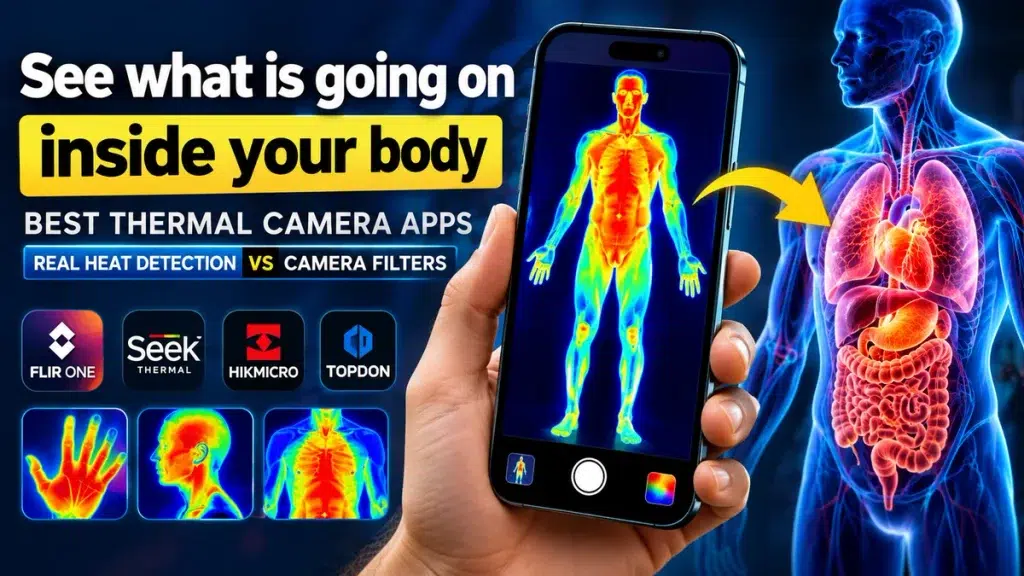
What Is a Thermal Camera App?
A thermal camera app is software designed to display or process images that represent temperature differences.
Real thermal imaging cameras detect infrared radiation and convert it into visual information. Warmer and cooler areas appear in different colors depending on the selected display mode.
However, most regular smartphones do not contain dedicated thermal sensors. An ordinary camera-filter app cannot measure real temperatures without compatible thermal imaging hardware.
How Does Thermal Imaging Work?
Thermal imaging technology uses specialized infrared sensors to detect energy emitted by objects.
The camera processes this information into an image showing different temperature patterns.
For example, thermal imaging may help identify:
- Unusual heating around electrical equipment.
- Temperature differences near doors and windows.
- Potential insulation problems in buildings.
- Heating and cooling system performance.
- Heat patterns around mechanical equipment.
These applications make infrared cameras useful for homeowners, technicians, and building inspection professionals.
Thermal Camera Options for Smartphones
Different applications provide different capabilities.
| Camera Type | Main Features | Suitable For |
|---|---|---|
| Thermal Filter App | Simulated heat-color effects | Photography and entertainment |
| Infrared Camera Attachment | Genuine thermal imaging with compatible hardware | Home inspections and maintenance |
| Built-in Thermal Camera Phone | Integrated infrared sensor | Portable professional and everyday inspections |
| Professional Thermal Camera | Dedicated thermal imaging and measurement features | Industrial and technical work |
Selecting the appropriate option depends on your needs, device compatibility, and budget.
🔥 THERMAL CAMERA APPS Can Your Phone Really Detect Body Heat? Discover which thermal apps actually work and which are just camera filters! EXPLORE THERMAL CAMERA APPS »How to Use a Thermal Camera App on Android or iPhone
Getting started is relatively simple.
Step 1: Choose a thermal camera application or compatible infrared attachment.
Step 2: Check whether your smartphone supports the required camera hardware.
Step 3: Install the manufacturer’s recommended application.
Step 4: Connect the thermal camera attachment if required.
Step 5: Open the application and select the available imaging mode.
Step 6: Observe temperature patterns and capture images when supported.
For accurate results, follow the manufacturer’s operating instructions.
Benefits of Thermal Camera Technology
1. Home Energy Efficiency
Thermal imaging can help reveal temperature differences around walls, windows, and insulation. These observations may support a professional home energy audit.
2. Electrical Equipment Inspection
Professionals use thermal cameras to investigate unusual heating patterns in electrical installations. Any suspected fault should be examined by a qualified electrician.
3. HVAC Maintenance
Heating, ventilation, and air-conditioning technicians can use infrared imaging to investigate airflow and temperature distribution.
4. Building Inspection
Thermal imaging can help identify areas requiring further investigation for moisture intrusion or insulation defects. Additional testing is usually necessary to confirm the cause.
5. Creative Photography
Thermal-style filters allow users to experiment with colorful photography effects without purchasing professional equipment.
What Should You Check Before Buying a Thermal Camera?
Before purchasing a smartphone thermal camera attachment, compare these important specifications.
- Compatibility: Confirm Android or iPhone support.
- Thermal resolution: Higher resolution can reveal additional detail.
- Temperature range: Choose equipment suitable for your intended application.
- Measurement accuracy: Check the manufacturer’s published specifications.
- Software features: Look for image capture, temperature readings, and reporting tools.
- Warranty and support: Consider after-sales service and software updates.
The total cost depends on the camera model, sensor capabilities, and additional features. Compare products carefully instead of selecting an option based on advertised visual effects alone.
Frequently Asked Questions
1. Can I download a thermal camera app for free?
Yes. Some apps offer free simulated effects, while certain genuine thermal camera apps are free but require compatible infrared hardware.
2. Can my phone detect heat without an attachment?
Only if it already includes suitable thermal imaging hardware. A normal smartphone camera cannot perform genuine thermal imaging through software alone.
3. Can thermal cameras see through walls?
No. They generally detect surface temperature patterns rather than directly seeing objects behind walls.
4. Are thermal cameras useful for home inspections?
Yes. They can help professionals identify unusual temperature patterns that may indicate areas requiring additional examination.
5. Is thermal imaging the same as night vision?
No. Thermal imaging detects infrared radiation associated with temperature, while conventional night-vision technology typically amplifies available light.
Conclusion
Thermal camera technology offers an interesting way to explore temperature patterns and improve visual inspections. From smartphone camera attachments to professional infrared imaging equipment, several options serve different needs and budgets.
Before downloading an app or purchasing a device, understand whether it provides simulated visual effects or genuine thermal measurements. Choosing the right technology can make your experience more useful and reliable.