Check Vehicle Details by Number – Owner, Insurance, RC & Challan Guide
Checking vehicle details by registration number can help you verify important information about a car, bike or scooter before buying, selling, renewing insurance or paying a traffic challan. From RC and insurance status to challan and vehicle registration details, several records can now be checked online from a mobile phone.
Government-backed transport platforms such as VAHAN, NextGen mParivahan and eChallan provide access to vehicle and transport-related services. The exact information available may vary depending on the vehicle record and state.
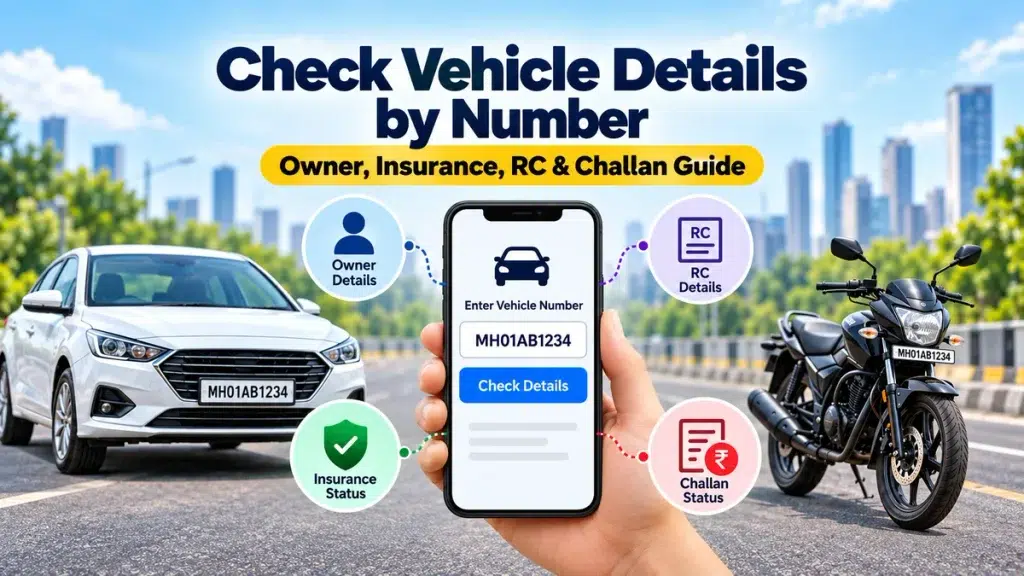
What Can You Check by Vehicle Number?
| Details | What You Can Check |
|---|---|
| RC Status | Registration and vehicle details |
| Insurance | Available policy validity information |
| Challan | Pending traffic challans |
| Vehicle Class | Car, bike or other vehicle category |
| Fuel Type | Petrol, diesel, CNG, electric, etc. |
| PUC | Available pollution certificate information |
| Fitness | Fitness validity where applicable |
| Owner Details | Limited information where legally available |
Sensitive personal information may be restricted or masked for privacy.
How to Check Vehicle Details Online
You can start with the vehicle’s registration number, such as WB12AB1234 or MH01XY5678.
Visit an official transport service such as VAHAN or NextGen mParivahan and select the relevant vehicle service. Depending on the service, you may have to enter the registration number, chassis information, registered mobile number or OTP.
For some RC-related services, the VAHAN process requires the registration number, chassis number and OTP verification.
After verification, available vehicle information can be displayed.
Check RC Status and Registration Details
The Registration Certificate or RC confirms important information connected with a vehicle.
You may be able to verify details such as:
- Registration number
- Vehicle class
- Fuel type
- Registration status
- Registration date
- Fitness validity
- Available vehicle specifications
RC verification becomes especially important when buying a second-hand car or bike. Always compare online records with the original RC and the physical vehicle.
Check Vehicle Insurance Status
Insurance is one of the most important details to check because an expired motor insurance policy can create both legal and financial problems.
Insurance-related information uploaded to the VAHAN database can be reflected through mParivahan and eChallan services.
While checking a vehicle, look for available information about:
- Insurance validity
- Policy expiry date
- Insurer details where displayed
- Current insurance status
If your policy is close to expiry, it may also be a good time to compare car insurance premiums, IDV, comprehensive coverage, third-party insurance, zero-depreciation cover and roadside assistance before renewal.
For complete premium, coverage, claim and add-on details, always check the actual policy document or contact the insurance provider.
Check Traffic Challan by Vehicle Number
The official eChallan service allows users to search available challan records using a challan number, vehicle number or driving licence number.
To check:
- Open the official eChallan portal.
- Select the vehicle-number option.
- Enter your registration number.
- Complete the required verification.
- View available challan details.
The system can display details such as challan number, RC number, challan date, state and issuing department. Successful challan payments may also have downloadable receipts.
Buying a Used Vehicle? Check These First
Before paying for a second-hand car or bike, verify:
RC: Confirm that registration details match the vehicle.
Insurance: Check policy validity and ask for the complete insurance document.
Pending Challan: Look for unpaid traffic fines.
PUC: Check available pollution certificate information.
Chassis Details: Compare the vehicle with its original documents.
Ownership Transfer: Complete the RC transfer after purchasing the vehicle.
Insurance Transfer: Ask the insurer about transferring or purchasing appropriate coverage in your name.
For a used car, also consider comparing the cost of comprehensive insurance, IDV, zero-depreciation cover, engine protection and roadside assistance before completing the purchase.
Vehicle Details Check Across All Indian States
Vehicle-related digital services are available across India, although the exact service and record availability can differ by state.
The 28 states are:
Andhra Pradesh, Arunachal Pradesh, Assam, Bihar, Chhattisgarh, Goa, Gujarat, Haryana, Himachal Pradesh, Jharkhand, Karnataka, Kerala, Madhya Pradesh, Maharashtra, Manipur, Meghalaya, Mizoram, Nagaland, Odisha, Punjab, Rajasthan, Sikkim, Tamil Nadu, Telangana, Tripura, Uttar Pradesh, Uttarakhand and West Bengal.
NextGen mParivahan currently lists VAHAN, Sarathi and eChallan-related services across participating states and Union Territories.
Beware of Fake RTO and Challan Websites
Be careful with websites or apps claiming to reveal full owner details or demanding unusual payments.
The official eChallan service warns users about fraudulent websites and apps impersonating government challan services. It also advises users not to share passwords, OTPs or payment information through suspicious calls, messages or links.
Always use trusted official services and verify the website before making a payment.
FAQs
Can I check vehicle details using the registration number?
Yes. Vehicle registration numbers can be used to access various available vehicle-related services, although additional verification may sometimes be required.
Can I check car insurance by vehicle number?
Available insurance validity information may appear in vehicle records. For complete coverage, premium, IDV and claim information, check with the insurer.
Can I check challan online?
Yes. The official eChallan service supports searches using a vehicle number, challan number or driving licence number.
Can I see the full vehicle owner’s address?
Public services may restrict or mask sensitive personal information. A vehicle number should not be used to obtain someone’s private address or confidential details.
Should I check details before buying a used car?
Yes. Verify RC, insurance, challan, PUC, ownership documents and physical vehicle details before payment.
Conclusion
Checking vehicle details by number is a useful way to review RC, insurance status, challans and other registration information from your mobile.
It is especially useful before buying a used vehicle or renewing car insurance. Verify the available online information against original documents, compare suitable insurance coverage where required, and use only trusted official transport services.