Best Car Radio & Music Apps – Listen to Live FM While Driving
A long drive becomes much more enjoyable when your favourite music, live radio, news or podcasts are playing through the car speakers. Modern smartphones and car infotainment systems now make it possible to enjoy music and internet radio without depending only on the FM stations available in your city.
Apps such as Spotify, YouTube Music, Apple Music, TuneIn, JioSaavn and NewsOnAIR can turn your phone into a complete entertainment system. Depending on your car, you can connect through Android Auto, Apple CarPlay, Bluetooth, USB or AUX.
Here are some of the best car radio and music apps to consider.
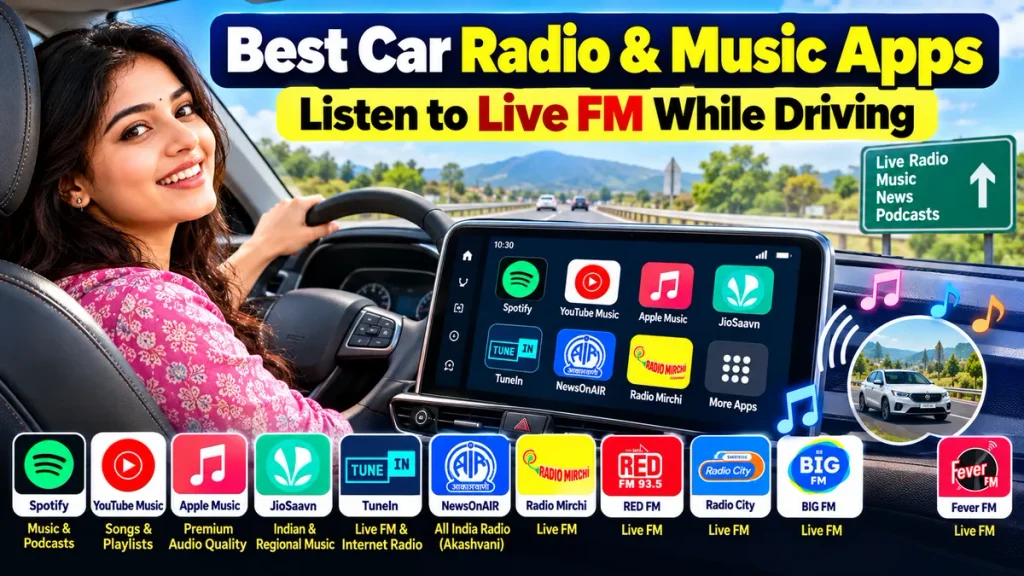
Best Car Radio & Music Apps
| App | Best For | Car Connection |
|---|---|---|
| Spotify | Music & podcasts | Android Auto, CarPlay, Bluetooth |
| YouTube Music | Songs, playlists & podcasts | Android Auto, CarPlay |
| Apple Music | Premium music & audio quality | CarPlay, Android Auto |
| TuneIn | Internet radio & talk stations | Phone/compatible car systems |
| JioSaavn | Bollywood & regional music | Bluetooth/phone integration |
| NewsOnAIR | All India Radio & regional radio | Smartphone/Bluetooth |
1. Spotify – Best for Music and Playlists
Spotify is one of the easiest apps to use inside a modern car.
It officially supports several car connection methods, including Android Auto, Apple CarPlay, Bluetooth, AUX, USB and Spotify Connect. Some vehicle entertainment systems also have Spotify built directly into them.
Spotify is useful for:
- Personalised playlists
- Hindi and regional songs
- English and international music
- Podcasts
- Offline downloads with eligible Premium plans
- Voice-controlled playback
For frequent drivers, preparing a playlist before starting the journey makes listening easier and reduces distractions.
2. YouTube Music – Great for Songs and Playlists
YouTube Music is another strong option for car entertainment, especially for listeners who already use YouTube to discover songs.
Google officially supports YouTube Music through Android Auto, and eligible users can also access it through Apple CarPlay.
You can listen to:
- Bollywood songs
- Regional music
- Old songs
- Remixes
- Artist playlists
- Podcasts
- Downloaded music with eligible Premium features
Offline downloads can be particularly useful on highways or routes where mobile-network coverage is unreliable.
3. Apple Music – Best for Premium Audio
Apple Music is an attractive choice for drivers who want a premium music experience.
Apple supports music playback through CarPlay, while Android subscribers can also connect Apple Music through Android Auto. Cars without these systems may still support playback through Bluetooth or USB.
Apple Music is suitable for listeners interested in:
- Large music libraries
- Ad-free listening
- Downloaded songs
- Curated playlists
- High-quality audio
- Siri voice control
CarPlay also allows music to be controlled using compatible steering-wheel controls or Siri, which can reduce the need to handle the phone.
4. TuneIn – Best for Internet Radio
If you prefer live radio instead of only playlists, TuneIn is worth considering.
The app focuses on internet radio, news, talk programming, sports audio and podcasts. TuneIn also offers a simplified Car Mode with larger controls and quick access to favourites, recently played content and recommendations.
Radio availability can vary according to region and streaming rights.
TuneIn is useful for drivers who like changing between music, news and talk-radio content during longer journeys.
5. JioSaavn – Good for Indian & Regional Music
For Bollywood and regional-language music, JioSaavn is another popular option.
Its catalogue is particularly useful for listeners interested in Hindi, Punjabi, Tamil, Telugu and other Indian-language songs.
Depending on your car audio system, smartphone audio can be played through Bluetooth or another supported phone-to-car connection.
Premium features may include benefits such as ad-free listening and offline downloads, depending on the current subscription plan.
6. NewsOnAIR – Best for All India Radio
Drivers who enjoy Akashvani, news and regional radio should consider NewsOnAIR.
Prasar Bharati currently provides NewsOnAIR for listening to AIR radio stations from mobile devices, while WAVES also provides live radio and other digital content.
AIR’s online services include familiar names such as Vividh Bharati, FM Gold and FM Rainbow, along with several regional-language services.
You can connect your phone to your car’s speakers through Bluetooth or another supported connection.
|
What About Radio Mirchi, RED FM, Radio City, BIG FM and Fever FM?
Popular private FM brands include:
Radio Mirchi | RED FM | Radio City | BIG FM | Fever FM
Their internet-streaming availability can differ by city, service and licensing arrangements. Some may provide digital audio, shows or streaming through their own platforms or supported third-party services.
If you mainly want a particular station, search its official app or website before installing an unfamiliar third-party radio application.
Android Auto vs Apple CarPlay for Music
| Feature | Android Auto | Apple CarPlay |
|---|---|---|
| Main Phone | Android | iPhone |
| Music Apps | Yes | Yes |
| Voice Control | Yes | Siri |
| Maps & Navigation | Yes | Yes |
| Steering-Wheel Controls | Supported cars | Supported cars |
| Bluetooth Alternative | Yes | Yes |
Android Auto allows compatible media apps to play through the car’s speakers and supports voice commands for selecting music.
Does Car Music Streaming Use Mobile Data?
Yes. Live internet radio and online music streaming normally use mobile data.
Data consumption depends on:
- Streaming quality
- Length of journey
- App settings
- Music or radio bitrate
If you frequently take long journeys, downloading playlists over Wi-Fi before leaving can reduce mobile-data consumption.
Important Safety Tip
Set up your music, playlist, radio station and navigation before you begin driving.
Spotify specifically recommends setting up playback before driving and avoiding interaction with a mobile device while the vehicle is moving.
Use steering-wheel controls, Android Auto, CarPlay or supported voice commands whenever possible. Never watch videos or operate a phone while driving.
Frequently Asked Questions
Which app is best for music while driving?
Spotify, YouTube Music and Apple Music are strong choices for music streaming, depending on your phone and subscription.
Which app is best for live radio in a car?
TuneIn is useful for internet radio, while NewsOnAIR is a good option for supported All India Radio services.
Can I listen to FM radio through Android Auto?
Android Auto supports compatible streaming and media apps. Traditional built-in FM radio is normally controlled through the vehicle’s own infotainment system.
Can I play music without internet while driving?
Yes. Several premium music services allow songs and playlists to be downloaded beforehand for offline playback.
Can an old car use these music apps?
Often, yes. If your stereo supports Bluetooth, AUX or USB, you may be able to play smartphone audio even without Android Auto or Apple CarPlay.
Conclusion
The best car audio app depends on what you want to hear. Spotify, YouTube Music and Apple Music are excellent choices for music, while TuneIn focuses more on internet radio. JioSaavn is useful for Indian and regional songs, and NewsOnAIR is a convenient choice for Akashvani and supported AIR stations.
With Android Auto, Apple CarPlay, Bluetooth and offline downloads, your smartphone can become a powerful car entertainment system. Set everything up before starting your journey, use hands-free controls where available, and keep your attention on the road.