Make Passport Size Photos on Your Mobile for Free: Best Apps & Step-by-Step Guide
Getting an official document processed often comes down to one tiny detail: having a compliant, high-quality passport-size photo. Going to a professional photo studio can cost time and money, but your smartphone holds enough processing power to handle the job entirely for free.
This guide breaks down how to take, edit, resize, and print passport photos directly on your mobile device using accessible apps and smart editing practices.
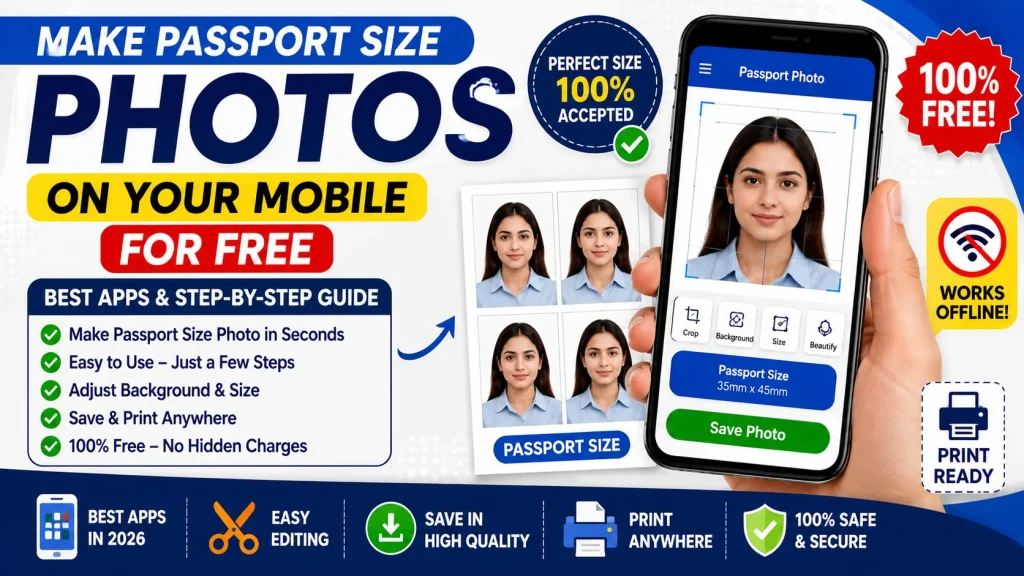
Technical Specifications & Official Requirements
Before capturing a photo, you must understand standard governmental and biometric requirements. A photo can be rejected for minor flaws in contrast, head angle, or background tint.
- Standard Dimensions:Most Indian official documents (Passport, PAN Card, Voter ID) require a 3.5 cm x 4.5 cm format (or 2×2 inches / 51×51 mm for US Visas/Passports).
- Background Color:A plain, solid white or off-white background with zero shadows.
- Head & Shoulder Ratio: Your head (from hair top to chin) should occupy 70% to 80% of the frame height.
- Facial Expression:Neutral, eyes fully open looking directly at the camera, mouth closed, with both ears clearly visible.
- Lighting: Natural, balanced front-lighting without harsh side shadows, flash glare, or red-eye artifacts.
Best Free Passport Photo Apps for Mobile
Several mobile tools feature built-in auto-cropping templates and AI-powered background removers designed specifically for official documents.
| App Name | Supported OS | Key Features | Best Used For |
| Passport Size Photo Maker (by Andro Nepal) | Android / iOS | Multi-country presets, custom printing sheets (4×6, A4) | Printing multiple photos on a single sheet |
| ID Photo & Passport Photo Maker | Android / iOS | AI background removal, formal suit changing features | Quick AI processing & dressing adjustment |
| Passport Photo Online / PhotoAiD | Web / Android / iOS | Biometric verification checks, automatic size adjustments | Strict compliance checks for overseas visas |
| Canva | Android / iOS / Web | Custom pixel/cm resizing, background remover, grid layout | Manual alignment & precise canvas sizing |
Step-by-Step Process: Create Passport Photos on Mobile
Follow these steps to produce an official, compliant passport photo using free mobile tools.
1.Set Up Lighting & Camera Angle:Avoid harsh shadows and uneven tones.
- Stand 2–3 feet away from a plain wall facing a well-lit window.
- Avoid ceiling lights directly above you, as they cast heavy under-eye shadows.
- Ask someone else to hold the phone or use a tripod placed at eye level about 4 feet away. Avoid using self-captured wide-angle selfies, as front lenses distort facial features.
2.Capture the Shot with Neutral Expression:Follow biometric guidelines strictly.
- Look straight into the camera lens with your shoulders square.
- Keep a neutral expression with a closed mouth and open eyes.
- Ensure your hair does not obscure your eyes, eyebrows, or face outline. Remove sunglasses, dark-tinted glasses, or headwear (unless worn for religious reasons).
3.Import Image into Passport Photo App:Scale and position correctly.
- Open your selected app (e.g., Passport Size Photo Maker).
- Choose your target country standard (e.g., India – Passport / PAN Card) or manually input dimensions (35 mm x 45 mm).
- Align your face using the app’s visual guidelines so the head fills roughly 75% of the frame.
4.Remove & Replace Background:Set a solid white backdrop.
- Use the app’s integrated AI background tool or a free web tool like
remove.bgto strip away the original backdrop. - Fill the background with a pure white hex code (
#FFFFFF).
5.Prepare the Printable Photo Sheet:Save on printing costs.
- Select the app’s multi-print layout option.
- Choose a standard 4×6 inch paper format. The app will automatically tile 8 to 12 copies of your passport photo onto a single sheet.
- Export the file as a high-resolution JPEG or PNG at 300 DPI.
How to Print Your Passport Photos for Minimal Cost
Instead of paying high single-photo rates at a studio, save your generated 4×6 print sheet to your phone gallery.
- Local Print Shop: Transfer the 4×6 JPEG file to any local studio or print shop via WhatsApp/USB drive. Request a single 4×6 glossy photo print.
- Home Printer: If you have an inkjet printer at home, load 4×6 photo paper, set the quality to High Gloss, and select 100% scale before printing.
- Cut with Care: Use a sharp paper cutter or precision ruler and knife to cut along the photo borders without fraying the edges.
Frequently Asked Questions (FAQ)
1. Can I use a selfie for my official passport photo?
Selfies taken with front-facing camera lenses are generally rejected by passport authorities. Front lenses distort facial geometry (making nose features appear larger) and make shoulder alignment difficult. Always use your phone’s rear camera operated by another person or set on a tripod.
2. Can I wear glasses or religious headwear in the photo?
Prescription or dark glasses are prohibited in modern biometric passport photos to prevent glare and shadow coverage over the eyes. Religious headwear is permitted provided it does not cast shadows on your face and your full facial structure—from chin to top of forehead—remains completely visible.
3. What resolution should my digital passport photo be saved in?
Digital copies uploaded to online application portals should be saved at 300 DPI resolution. Standard 3.5 cm x 4.5 cm dimensions correspond to roughly 413 x 531 pixels at 300 DPI.
4. Are free passport photo apps safe to upload personal pictures to?
Reputable passport photo apps process image alignment directly on your device or encrypt server uploads strictly for background removal. Always review an app’s privacy policy before uploading images and stick to well-reviewed apps on the official Google Play Store or Apple App Store.
Declaration
The information provided on this website is published for informational purposes only. While every effort is made to ensure the accuracy and timely updating of the content, we do not guarantee the completeness, reliability, or authenticity of any information. Candidates and users are strongly advised to visit the official websites of the respective departments, organizations, or authorizing bodies before applying for any job, scheme, examination, or benefit program. This website is not associated with any government organisation and does not provide any recruitment guarantee or official confirmation. We are not responsible for any loss, error, or misunderstanding arising from the use of the information available on this website.