Best Free & Paid Apps to Watch TV on Your Mobile
Mobile phones have become one of the most popular ways to enjoy entertainment. Whether you’re traveling, commuting, or simply relaxing at home, you can now watch live TV, sports, movies, news, and your favorite TV shows directly from your smartphone.
With hundreds of streaming apps available today, choosing the right one can be confusing. Some apps are completely free with ads, while others offer premium subscriptions for exclusive content, better video quality, and additional features.
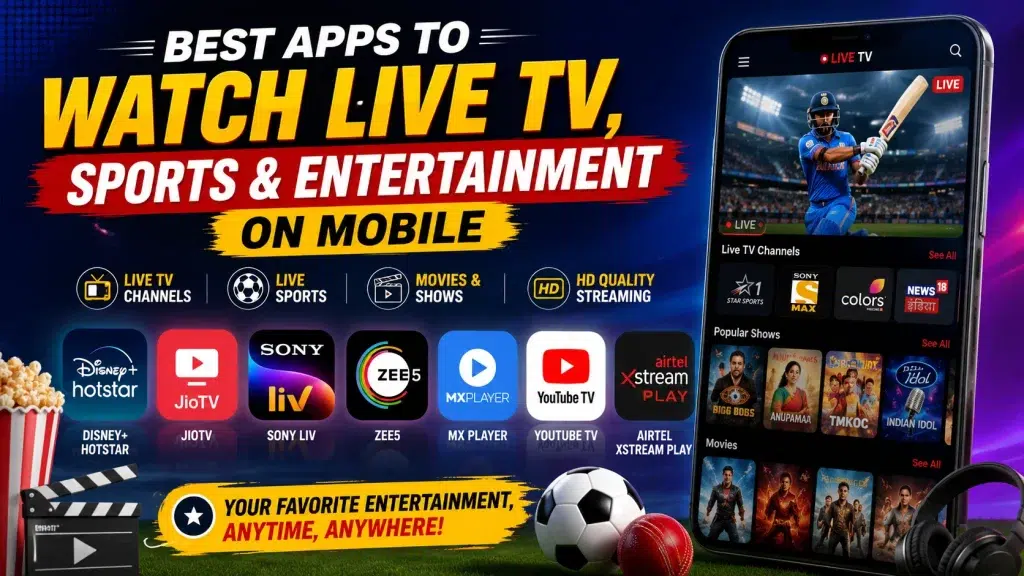
In this guide, we’ll compare the best free and paid TV streaming apps, explain their key features, and help you decide which one is the right choice for your entertainment needs.
Why Watch TV on Your Mobile?
Streaming TV on your smartphone offers several advantages over traditional television.
Benefits
- Watch TV anytime and anywhere.
- Access live sports and breaking news.
- Stream movies and TV shows on demand.
- Enjoy content in multiple languages.
- Watch on both Android and iPhone devices.
- Continue watching across multiple devices.
- Get personalized recommendations based on your interests.
Best Free & Paid TV Streaming Apps
| App Name | Live TV | Movies | Sports | Free Version | Premium Plan | Offline Downloads |
|---|---|---|---|---|---|---|
| JioHotstar | ✅ | ✅ | ✅ | Limited | Yes | Yes |
| YouTube | Limited | ✅ | Limited | Yes | Premium | Yes (Premium) |
| Pluto TV | ✅ | ✅ | Limited | Yes | No | No |
| Plex | ✅ | ✅ | Limited | Yes | Premium | Yes |
| Tubi | No | ✅ | No | Yes | No | No |
| Amazon Prime Video | Limited | ✅ | Limited | No | Yes | Yes |
| Netflix | No | ✅ | Limited | No | Yes | Yes |
1. JioHotstar
JioHotstar is one of India’s leading streaming platforms, offering live sports, TV channels, movies, web series, and kids’ content.
Features
- Live cricket and other sports
- Popular TV channels
- Original web series
- HD and 4K streaming (where available)
- Offline downloads
- Multiple language support
Best For
Users who want a combination of sports, television, and entertainment in one app.
2. YouTube
YouTube is one of the world’s largest video platforms. Besides regular videos, many official broadcasters stream live news, educational programs, and entertainment.
Features
- Free access
- Live channels from official creators
- Music videos
- Educational content
- Regional entertainment
Best For
Users looking for free entertainment and live content from official sources.
3. Pluto TV
Pluto TV offers hundreds of free live TV channels and movies without requiring a paid subscription.
Features
- Completely free
- News channels
- Movie channels
- Kids’ entertainment
- No registration required in many regions
4. Plex
Plex combines free live television with an extensive collection of movies and TV shows.
Features
- Personalized recommendations
- Live TV
- Cross-device synchronization
- Premium upgrade available
5. Tubi
Tubi is a popular free streaming service offering thousands of movies and TV shows.
Features
- No subscription
- Large movie library
- Legal streaming
- Family-friendly categories
6. Amazon Prime Video
Amazon Prime Video offers a premium entertainment experience with original series, blockbuster movies, and selected live events.
Features
- Exclusive originals
- Multiple language support
- Offline viewing
- Family profiles
- HD and UHD streaming
7. Netflix
Netflix remains one of the most popular premium streaming services worldwide.
Features
- Award-winning original content
- Personalized recommendations
- Offline downloads
- Multi-device support
- High-quality streaming
Free vs Paid TV Apps
| Feature | Free Apps | Paid Apps |
|---|---|---|
| Cost | Free | Monthly or yearly subscription |
| Ads | Usually yes | Few or no ads |
| HD Streaming | Limited | Yes |
| Live Sports | Limited | Better availability |
| Offline Downloads | Rare | Usually available |
| Exclusive Content | No | Yes |
| Customer Support | Basic | Better support |
How to Choose the Best TV Streaming App
Before installing a streaming app, consider the following factors:
- Content library
- Live TV availability
- Sports coverage
- Regional language support
- Video quality
- Device compatibility
- Subscription cost
- Offline viewing
- User interface
- Customer reviews
Choosing the right app depends on your viewing preferences and budget.
Tips for Better Streaming
For the best viewing experience:
- Use a stable Wi-Fi or high-speed mobile data connection.
- Keep your app updated to the latest version.
- Clear cache regularly if playback becomes slow.
- Lower video quality on slower internet connections.
- Use headphones for better sound quality.
- Download supported content before traveling.
Are TV Streaming Apps Safe?
Official streaming apps available through the Google Play Store and Apple App Store are generally safe to use. To stay protected:
- Download apps only from official stores.
- Avoid unofficial APK files from unknown websites.
- Read user reviews before installing.
- Keep your device updated.
- Review app permissions before granting access.
Which App Should You Choose?
The best streaming app depends on your needs.
- Sports enthusiasts may prefer apps with live sports coverage.
- Movie lovers can choose platforms with extensive film libraries.
- Families may benefit from apps offering kids’ programming and parental controls.
- Users on a budget can explore free streaming services with ad-supported content.
Trying a few official apps can help you determine which platform best suits your entertainment preferences.
Frequently Asked Questions (FAQ)
1. Which is the best app to watch TV on a mobile phone?
The best app depends on the type of content you enjoy. Some platforms focus on live TV and sports, while others specialize in movies and TV series.
2. Are free TV streaming apps legal?
Yes. Many official streaming services provide free, ad-supported content. Always download apps from trusted app stores.
3. Can I watch live sports on my phone?
Yes. Several official streaming platforms offer live coverage of cricket, football, tennis, and other sporting events, though some may require a subscription.
4. Do paid apps offer better quality than free apps?
In many cases, yes. Paid services often provide higher-resolution streaming, fewer advertisements, exclusive content, and offline downloads.
5. Can I watch TV without a cable connection?
Yes. Internet-based streaming apps allow you to watch TV without a traditional cable or satellite subscription.
6. Which apps support offline downloads?
Many premium services allow offline downloads for selected content. Availability varies by platform and licensing agreements.
7. Are these apps available for Android and iPhone?
Most leading streaming apps support both Android and iOS devices. Many also work on smart TVs, tablets, and web browsers.
8. Is it safe to download TV apps from third-party websites?
It is generally safer to download apps only from official app stores to reduce security risks and ensure you receive updates.
Conclusion
Watching TV on your mobile has become more convenient than ever. Whether you’re interested in live television, sports, movies, or entertainment, there’s a wide range of reliable free and premium apps available.
Free apps are a great starting point for casual viewers, while paid services often provide higher video quality, exclusive content, offline downloads, and a more polished viewing experience. By comparing features and choosing trusted platforms, you can enjoy your favorite programs safely and conveniently wherever you are.